Turn homework photosinto handwritten answersfast.
How it works
Step 01
1
Upload the problem
Start with a homework photo or screenshot.
Step 02
2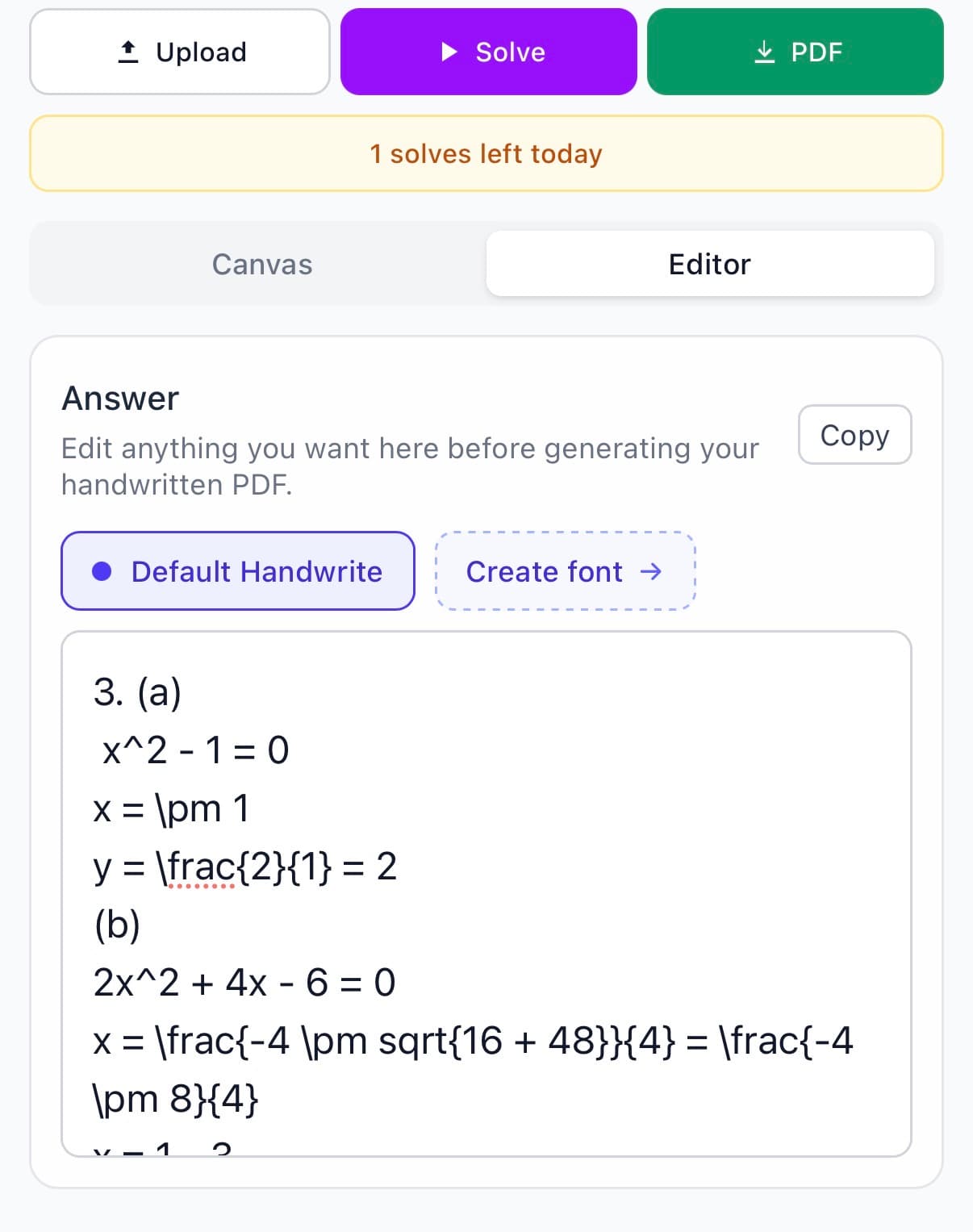

Make it look like yours
Edit the answer, handwriting, paper, and pen before you export.
Step 03
3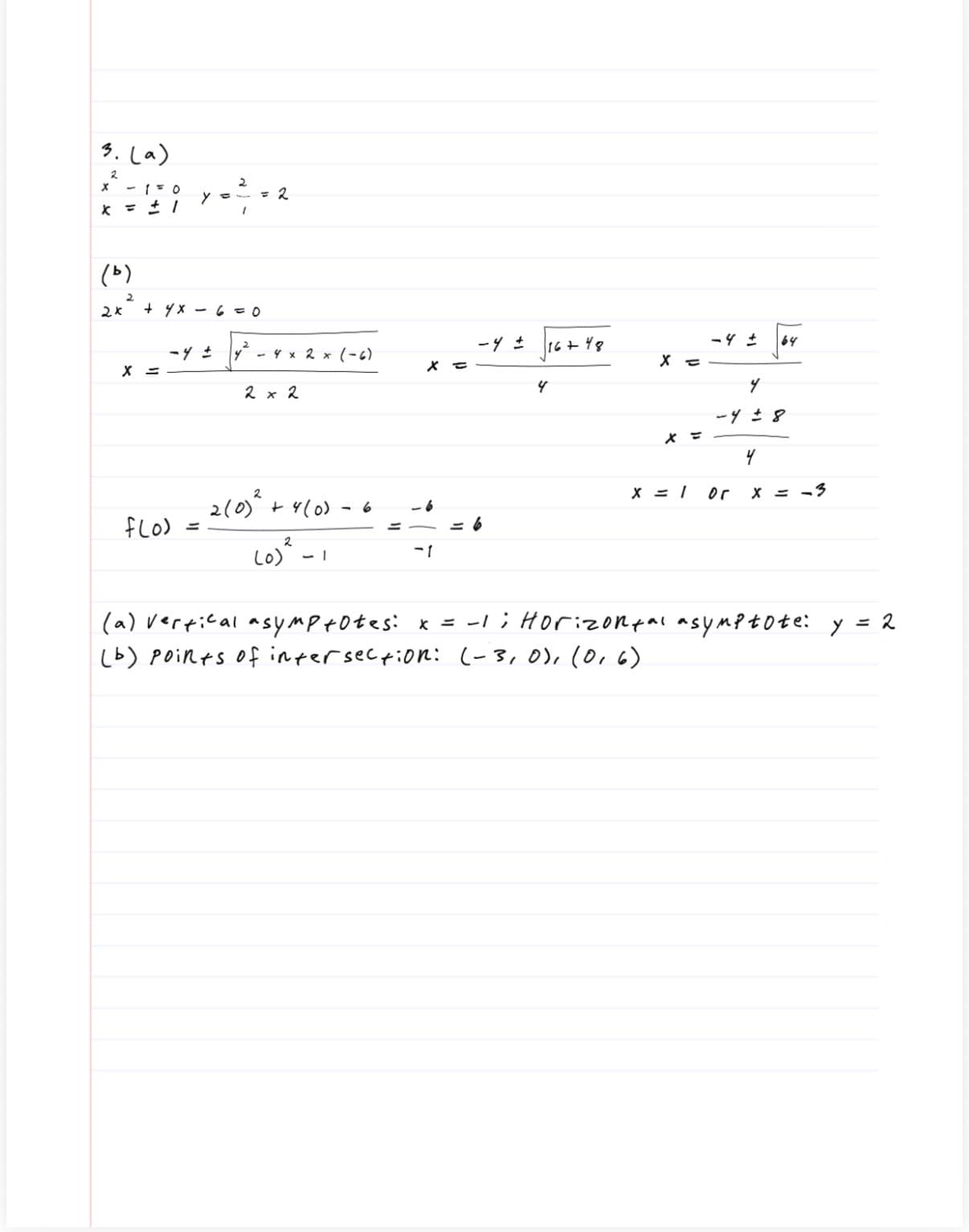
Download and hand it in
Export the finished PDF the second it looks right.
Why students use Handwrite
Save time without giving up control.
01
Start with the photo you already have
Drop in a worksheet, screenshot, or homework photo instead of starting from scratch.
02
Let Handwrite do the first pass
The default flow is simple: upload the page, let Handwrite build the first draft, then review the result.
03
It still uses your handwriting
That is the unique part: the final page keeps the look and feel of your own work.
04
Edit before you download
You can still fix the answer, layout, paper, and pen before you export the PDF.
Full walkthrough
Want the longer version? Watch the full demo.
The fast preview shows the result first. This walkthrough shows the editor and export flow.
60-second walkthrough
Testimonials
Hear what our users have to say.
Most people use Handwrite to save time, keep their own handwriting, and edit the page before they download.
Daniel R.
Handwrite user
“I used to spend hours rewriting homework, now I just snap a pic and get a perfect handwritten solution in minutes, best decision I've made this semester.”
Priya M.
Handwrite user
“Handwrite is insanely easy to use and saves me so much time, I honestly wish I found it sooner.”
Marcus L.
Handwrite user
“It takes me less than 2 minutes to go from problem to finished handwritten work, this was 100% worth it.”
Next step
Upload a page and see the first result.
Open the app and start with the page you already have.


FAQ
Answering your questions.
Is this okay at my school?
Follow your school's rules. You're responsible for how you use it.
Do you promise better grades?
No. Handwrite is about saving time, keeping your handwriting, and letting you edit before export.
What does it cost?
Start free. Upgrade only if you end up using it a lot.
What classes work best?
Math, physics, engineering, and other classes with step-by-step written work.